The MVV mobile timetable service is compatible with most modern smartphones and tablets. Simply open your browser and go to www.mvv-auskunft.de. The site automatically detects the screen size and, for smaller displays, redirects you to the mobile timetable portal, as the standard view with its large map is less suitable for these devices.
The mobile version has been specially adapted for use on the go. It offers practical features such as the use of your current location and a streamlined layout that uses less data.
The mobile MVV information service can also be accessed directly at: www.mvv-auskunft.mobi.
Key information about MVV Travel Information Mobile
Journeys
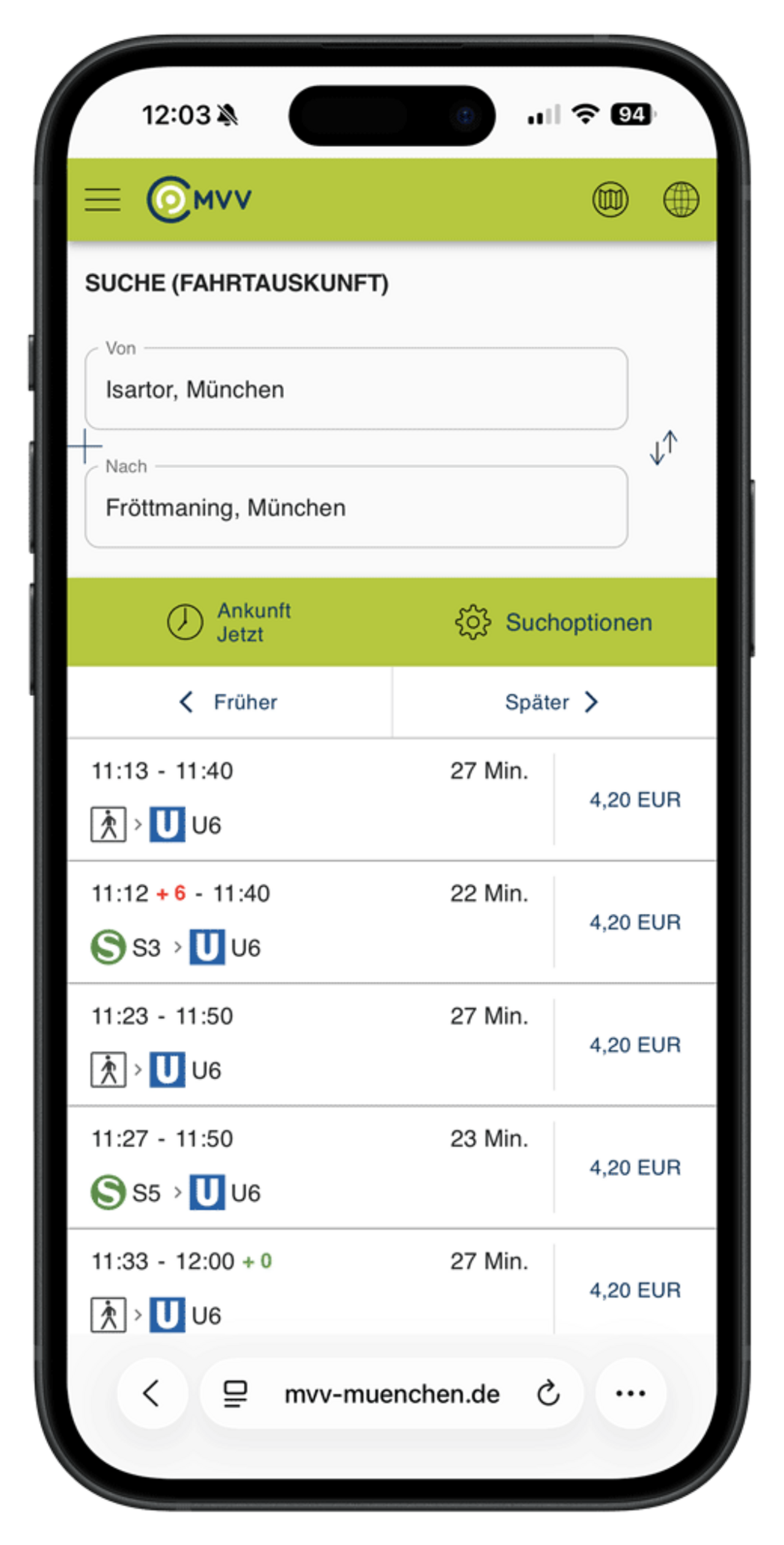
In the journey planner, you can enter a location, stop, address or a point of interest (POI) as the start and destination. The date and time can be adjusted if required.
Under ‘Settings’, you can
- exclude certain modes of transport,
- or search for accessible routes.
The results show the entire journey, including walking routes and the ticket price.
Departures
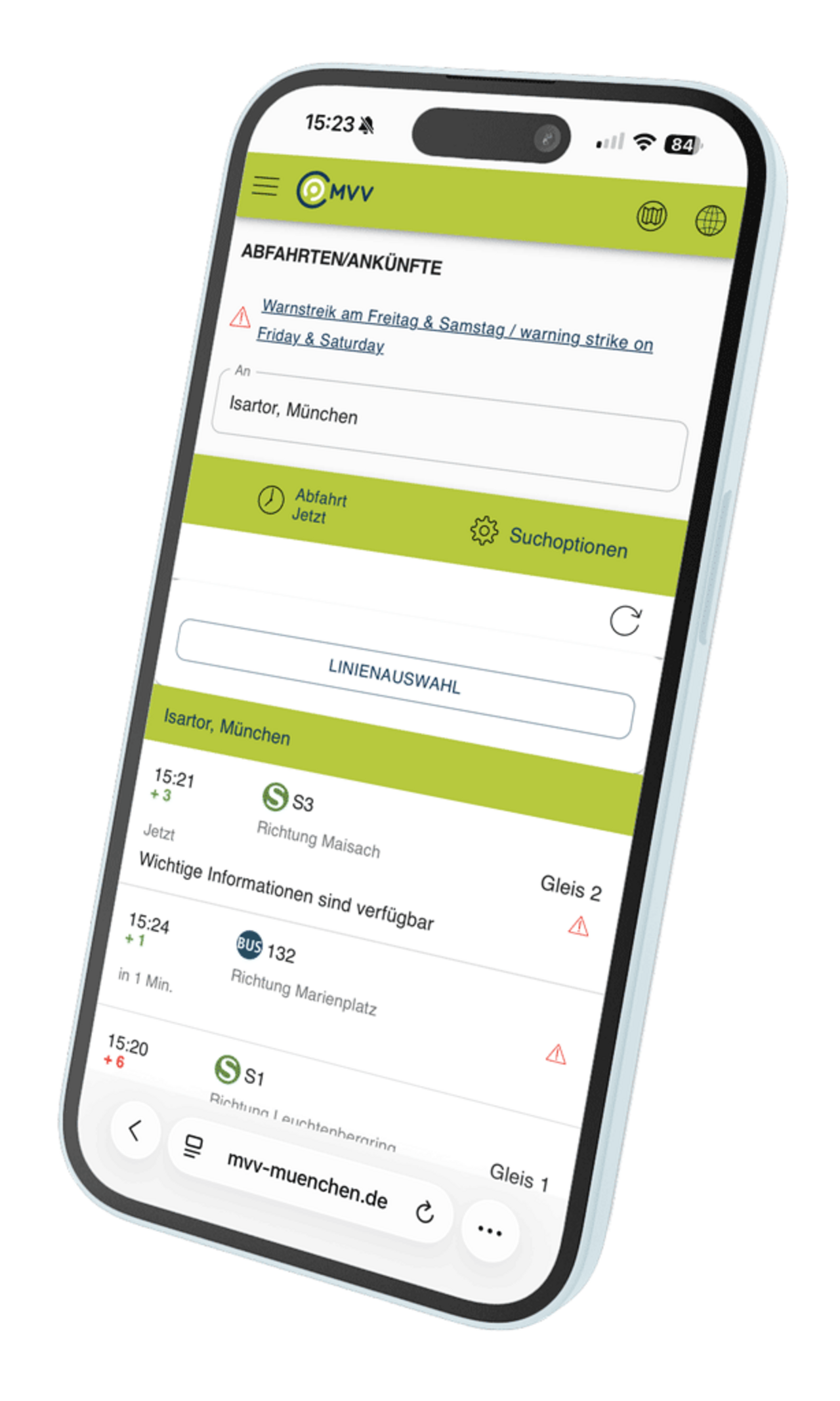
Under “Departures”, the next departures from a stop or in the surrounding area are displayed. Individual routes for a stop can also be selected.
For departures in the surrounding area, you can use the location icon in front of the input field (requires the device’s location services to be enabled).
Notifications
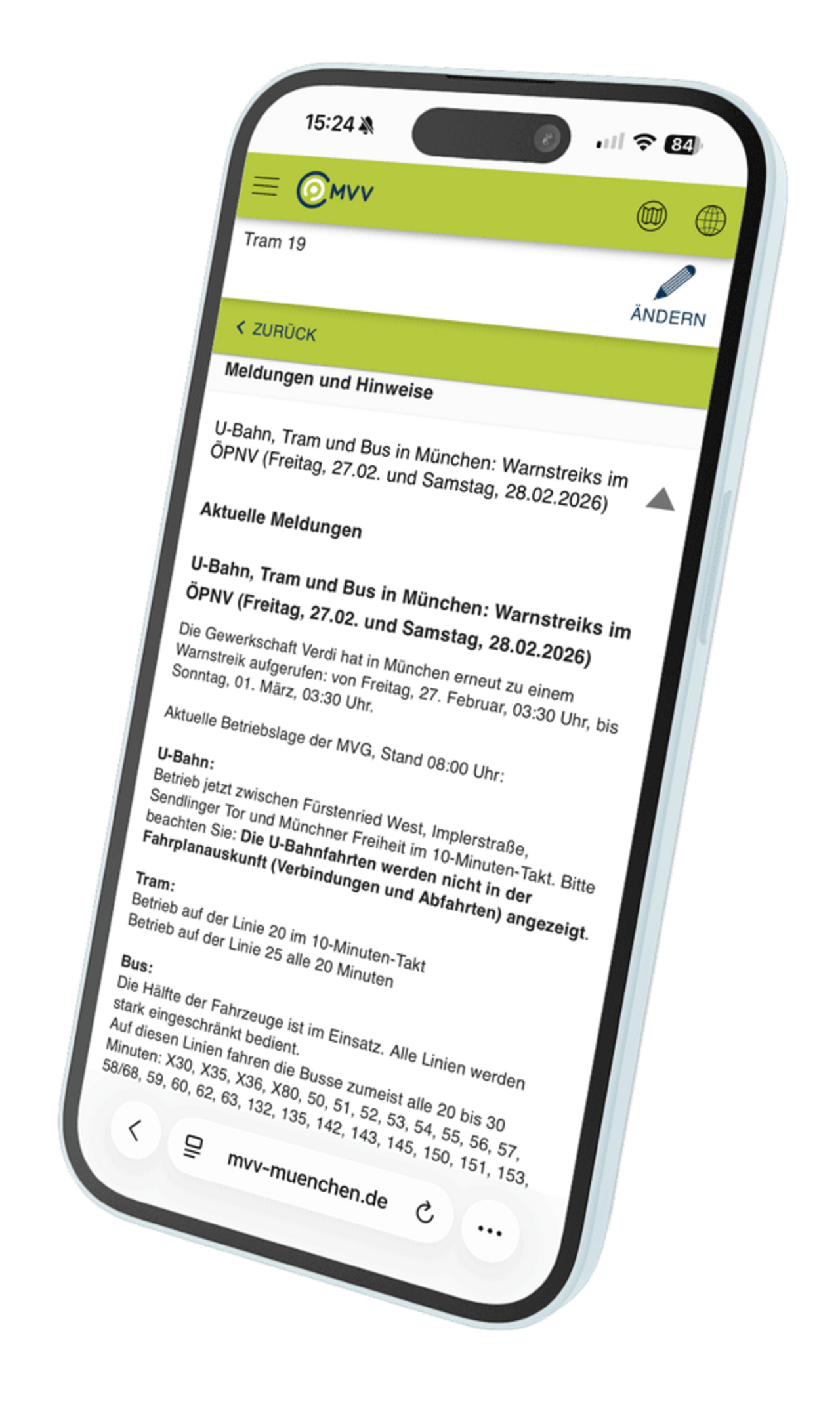
Under “Notifications”, you’ll find information on planned timetable changes due to construction work or events.
Notifications are sorted by line number (S-Bahn, U-Bahn, regional train, bus, tram).
Favourite lines can be pinned to the top of the list using a yellow star.
For the Munich S-Bahn, current disruption notifications are also displayed.
Map
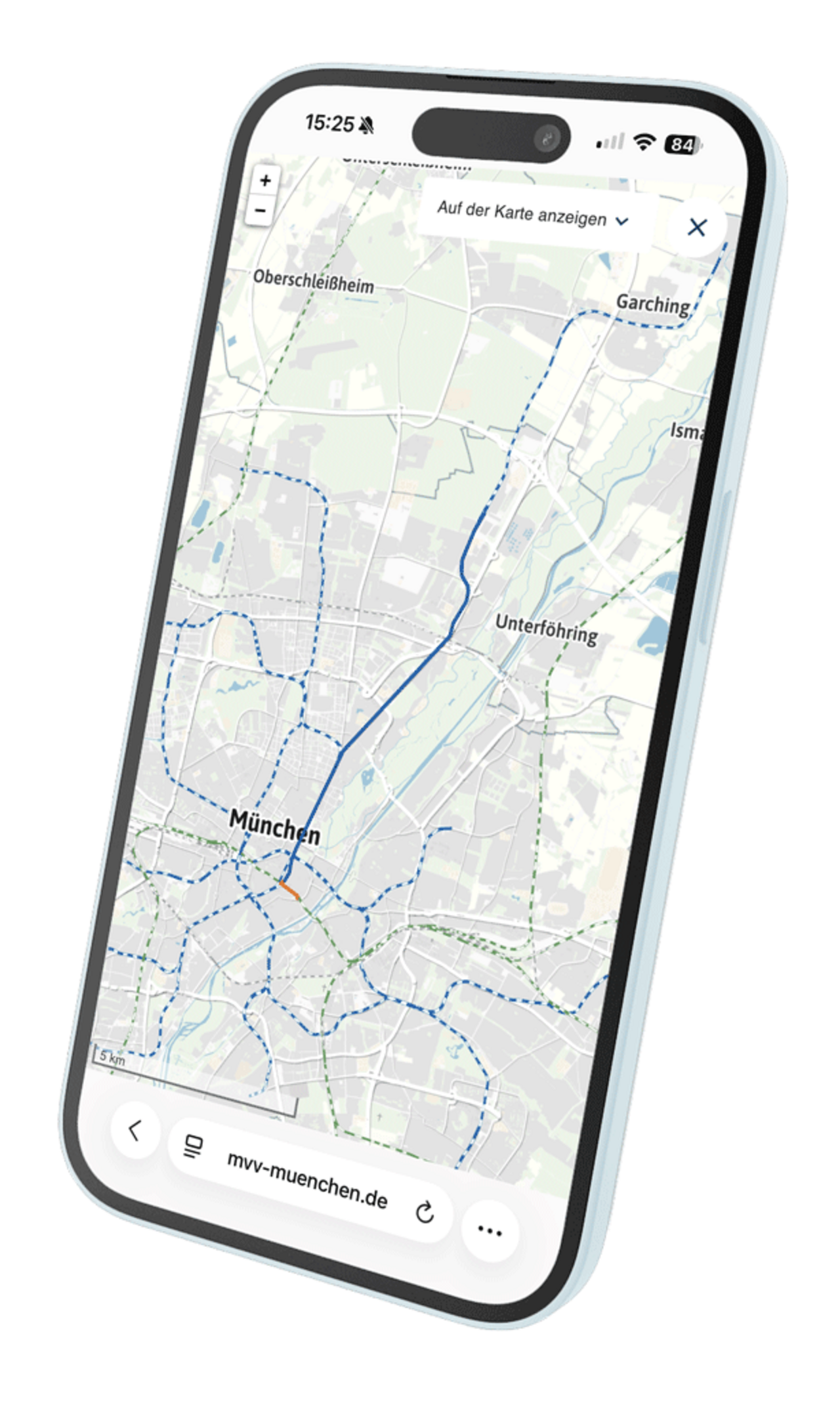
The mobile information service includes an interactive map to help you find your way around – for example, for the walk to the boarding stop, the route from your destination to the terminus, or for interchange points.
The MVV mobile timetable service is a timetable portal optimised for use on the move and differs from the map-based online timetable service in the following ways:
- Design adapted for smaller screens
- High compatibility with many smartphones and tablets
- Compatible with all standard mobile browsers
- Special features for use on the move, e.g. use of current location
- Reduced data usage for fast access on the move
The range of functions has been reduced for ease of use. Features such as network maps or ticket purchases are not available in the mobile version.
For the full range of features and additional services, we recommend the MVV app (Android and iOS).
The MVV mobile information service is usually accessed automatically when www.mvv-auskunft.de is opened in a mobile device’s browser. The system detects the screen size and resolution and automatically displays the appropriate view.
If the automatic redirection does not work, the mobile version can be opened directly at www.mvv-auskunft.mobi.
On devices whose screen size is suitable for both the standard and mobile views, a selection screen appears upon opening, asking which version to use.
The MVV mobile information service is designed to support as many devices as possible. However, due to the wide variety of devices, operating systems and browsers, full compatibility cannot be guaranteed for every combination.
If the MVV mobile information service does not work properly on a device, please provide feedback with precise details of the device used to help identify possible causes.
Alternatively, the MVV app is available for Android and iOS, which offers a more stable user experience on many devices.
It is not possible to purchase HandyTickets via the MVV mobile information service.
We recommend using the MVV app (available for Android and iOS) to buy tickets.
On devices that are compatible with both the standard map-based MVV travel information service and the mobile version, a prompt appears the first time the service is accessed, asking which view to use.
This choice is stored in a cookie so that you are not asked to select it again on every visit.
To switch back to the map-based MVV information service, the relevant cookie must be deleted from the browser. The selection screen will then reappear and the desired view can be set again.
The MVV Customer Dialogue is the right place to go with any questions, problems or suggestions for improvement regarding the MVV mobile travel information service. Your feedback helps us to continuously improve our information services, resolve technical issues and further develop useful features.
To ensure written enquiries are dealt with efficiently, it is helpful to provide precise details, for example:
- device used
- Operating system and version
- browser used
- Detailed description of the error
- A screenshot showing the problem
This information helps us provide quick and targeted support.